
AI Assistant: Fabrie Write
Fabrie · AI feature design case study
01 Framing
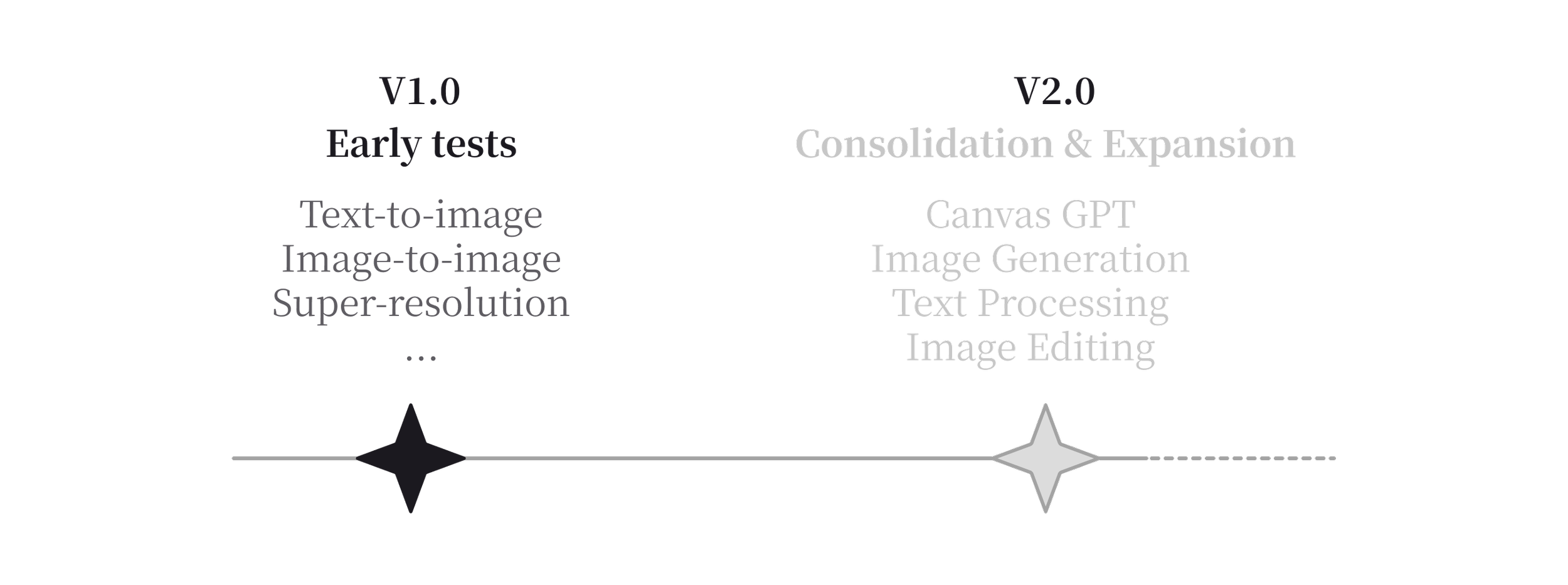
In 2023, after a year of launching the Fabrie whiteboard and completing a major technical refactor, the team started experimenting with AI features. Early tests (v1.0) included basic image-related capabilities such as text-to-image, image-to-image, and super-resolution. These experiments validated user interest, but the features remained lightweight and loosely connected to the core whiteboard experience.
As Midjourney and ChatGPT gained massive traction, many tools expanded toward “AI + whiteboard” scenarios. For Fabrie, the whiteboard was already a natural canvas for AI-generated content, presenting an opportunity for feature expansion and product differentiation.
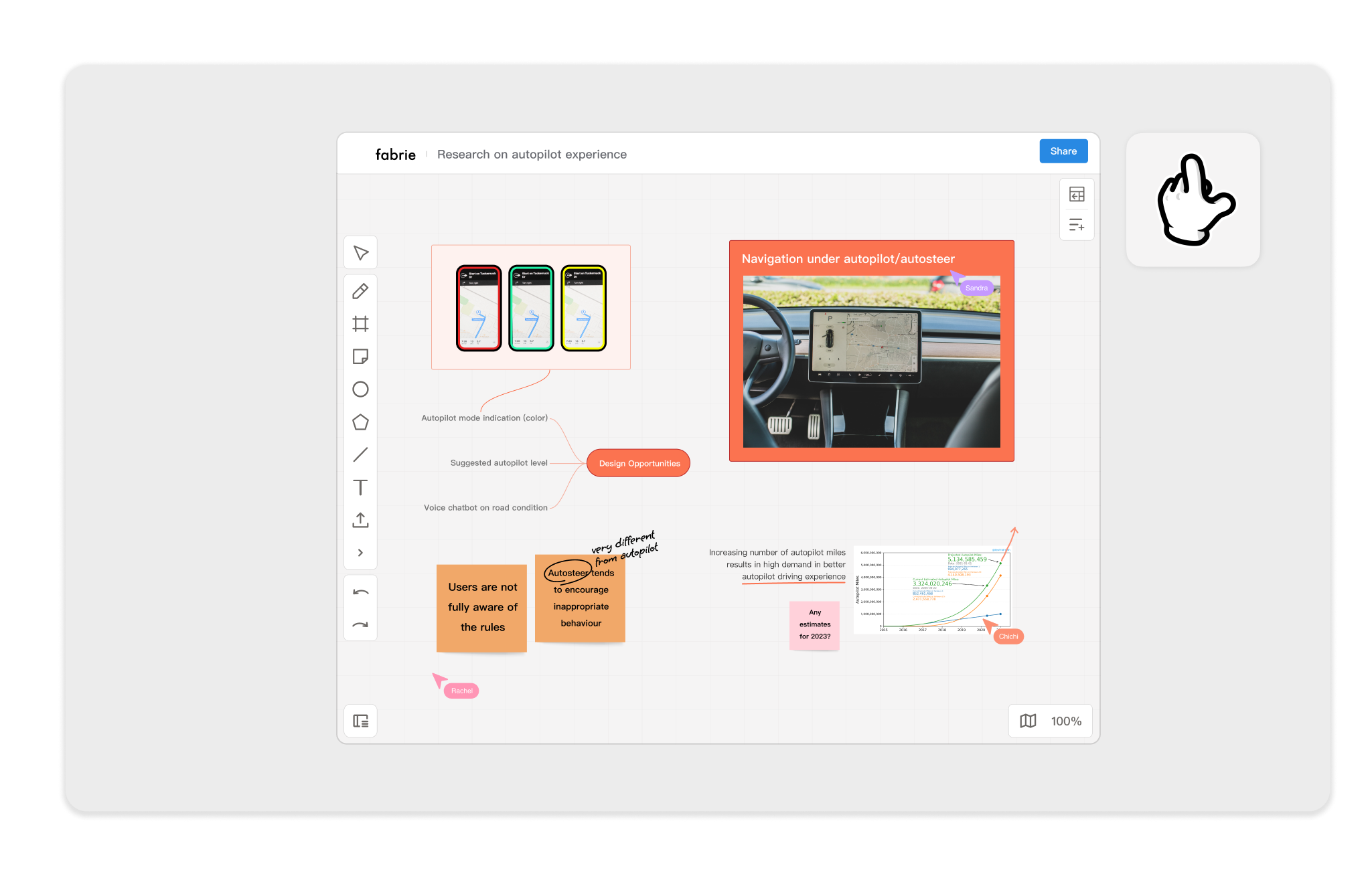
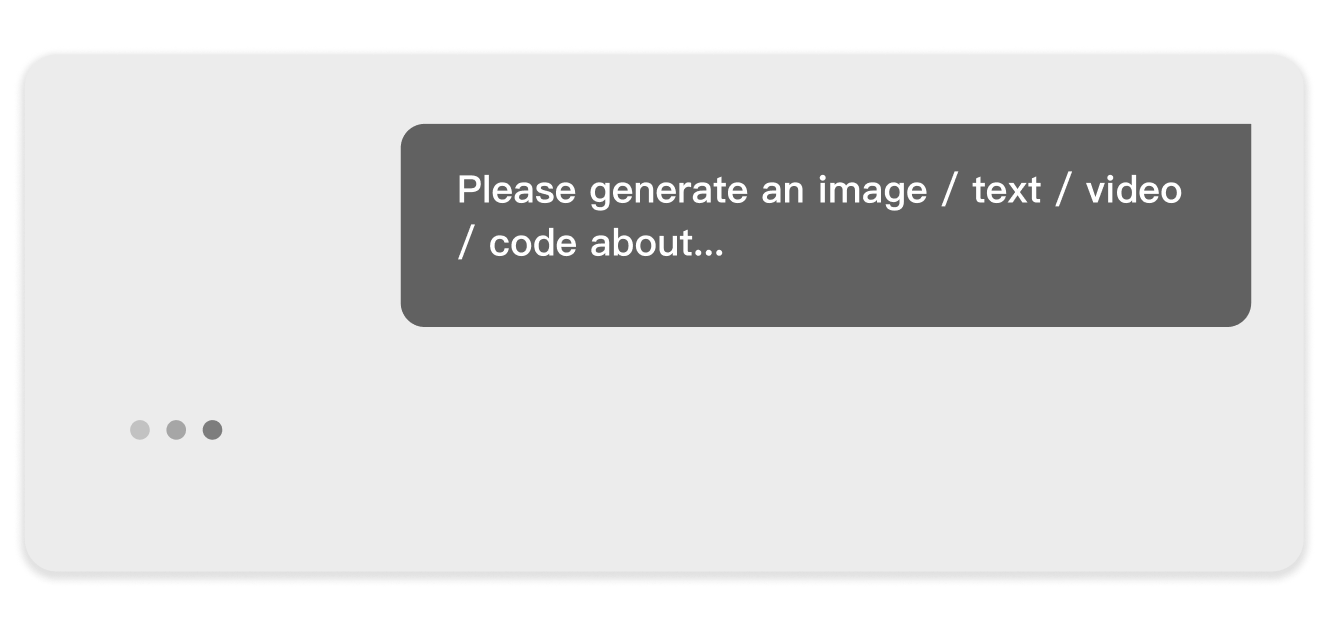
However, most AI features on the market were limited to chat-style, timeline-based interactions, focusing mainly on text or image generation. Fabrie’s real strength lies in spatial collaboration. Simply embedding a chat window into the whiteboard would neither create differentiation nor bring meaningful value to our users.
Challenge
02 Discovering
I analyzed several AI tools (ChatGPT, Notion AI, Gamma, Tome, Miro, etc.) to understand differences in feature types, interaction patterns, and integration with core products.
- Mainstream interactions are concentrated in chat windows or command-based sidebars.
- Most features focus on content generation, with limited integration into spatial objects.
Two Core Capabilities of AI
Based on this research, AI capabilities can be broken down into two steps:
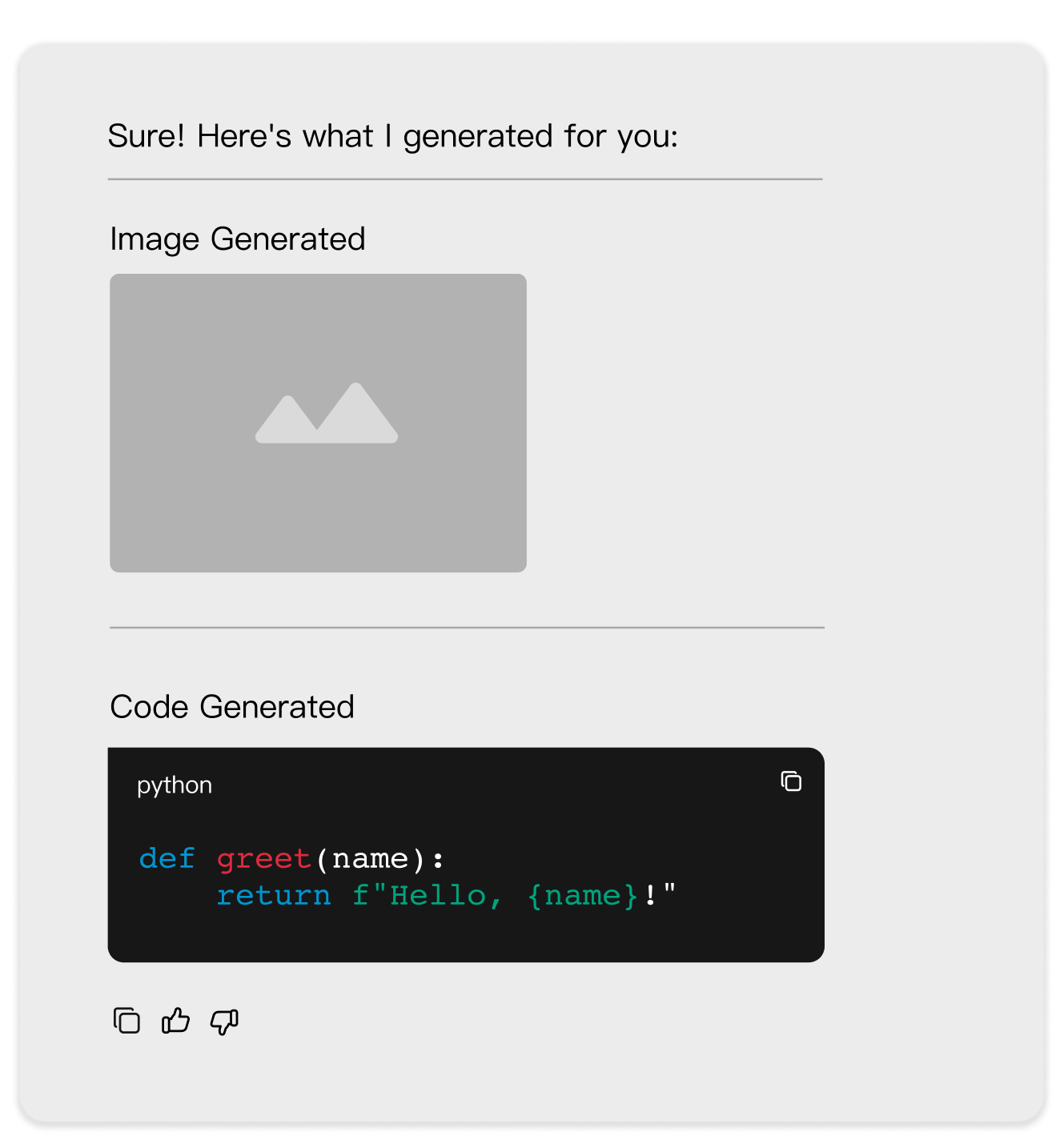
Within Step 2: Content Generation, we identified two distinct modes:
- Create from scratch: generating entirely new objects, such as sticky notes and mind maps.
- Enhance existing: modifying current objects, such as changing color or adjusting style.
Interactive: Traditional vs AI
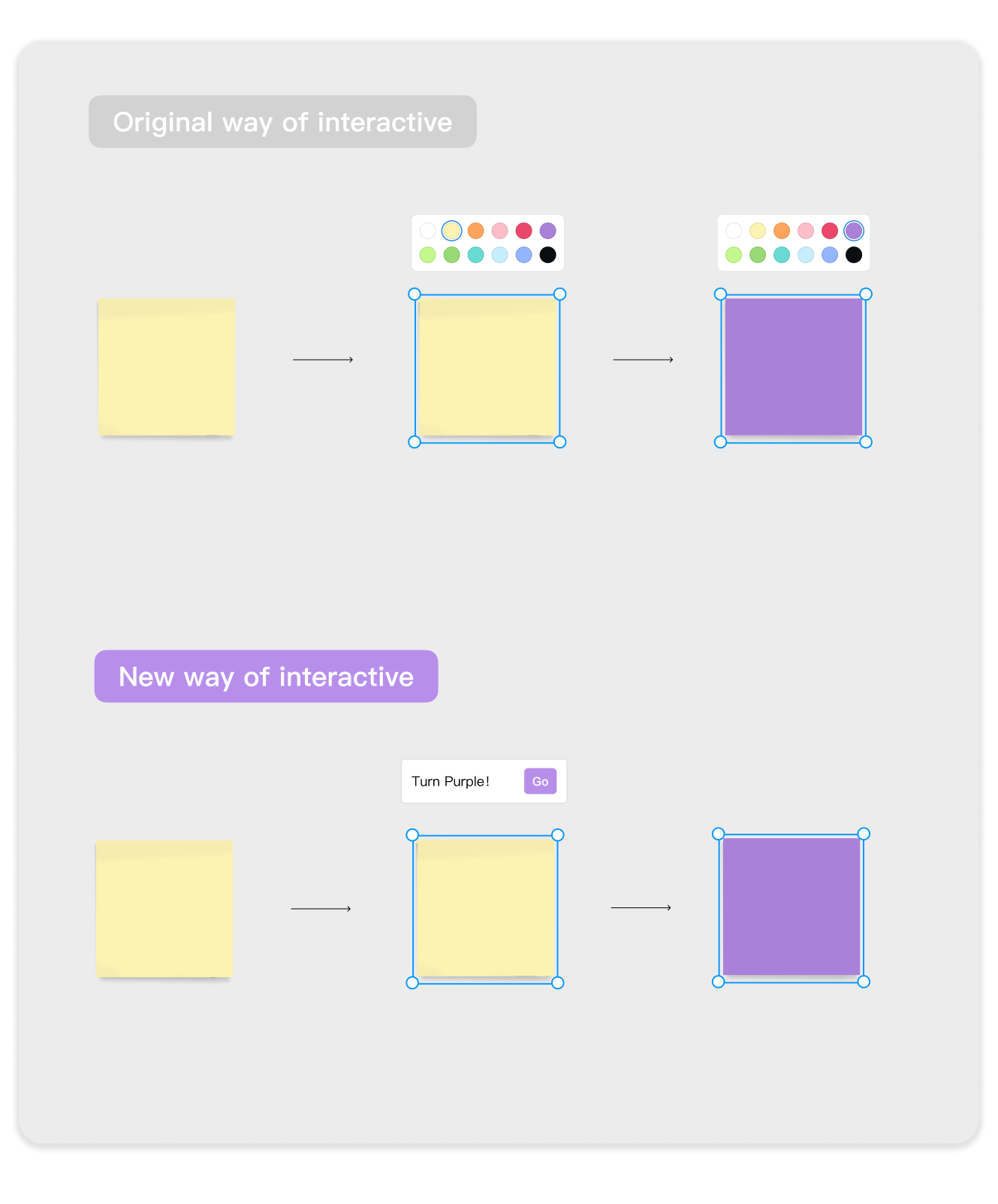
Traditional commands rely on fixed buttons, such as pressing “Back” to return to the previous page.
AI commands rely on understanding natural language, breaking the one-to-one mapping between command and task. This offers greater flexibility, but also higher uncertainty.
03 Ideation
Challenge
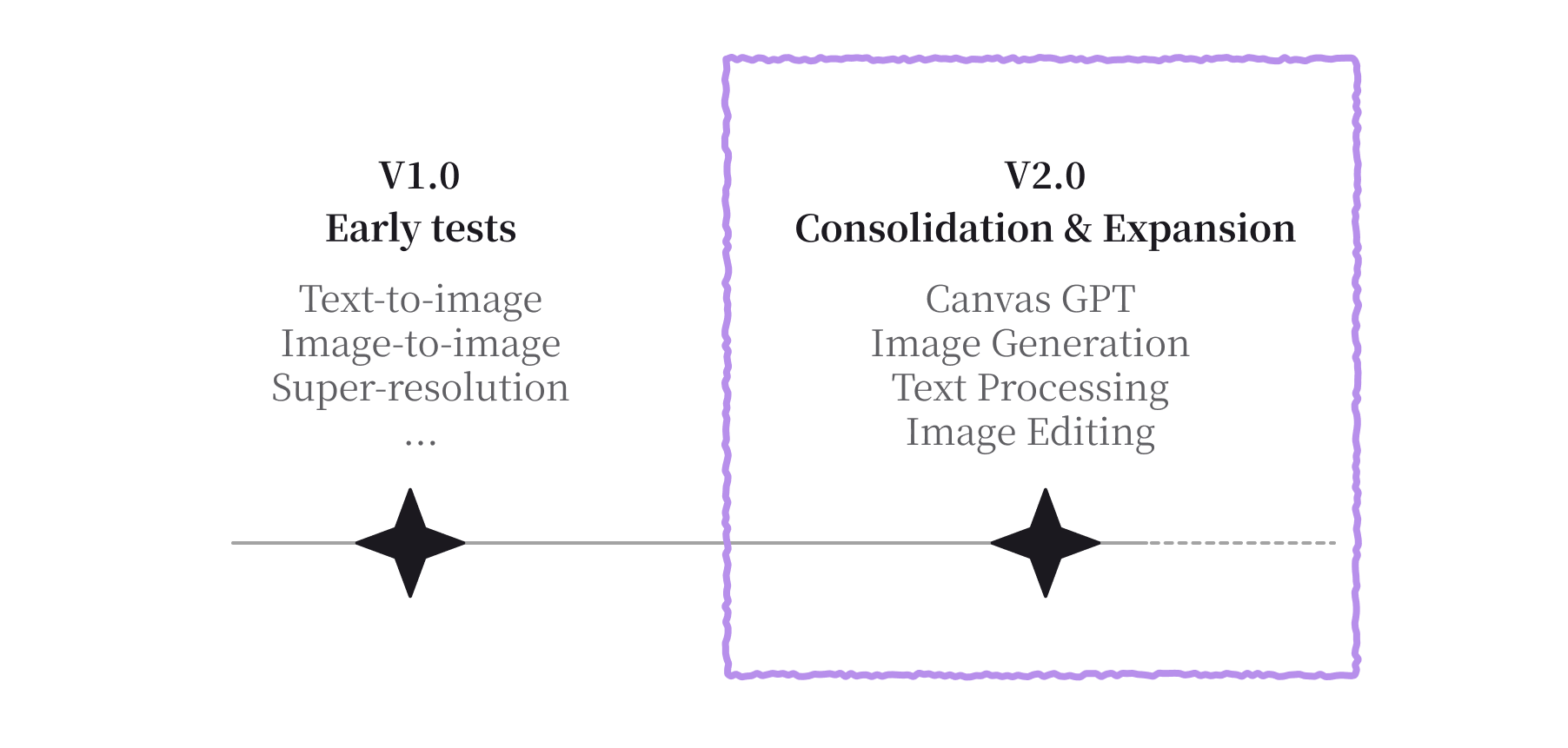

We approached this challenge from a function-first perspective.
Feature scope by category:
- Image Generation: generate images based on prompts.
- Text Processing: summarize, continue writing, extract tasks, expand details, split paragraphs, translate, refine text.
- Image Editing: background removal, OCR text recognition, upscaling, AI-assisted edits.
- Template Generation (Canvas GPT): mind maps, brainstorming, pros & cons, business model canvas, stakeholder maps, timelines, data tables.
From these functions, I categorized interaction needs into two types:
- Low-customization needs, such as translation and background removal, should retain button-triggered actions.
- High-customization needs, such as generating complex illustrations and custom templates, should introduce natural language input.